Online grocery is now part of how most households shop. In August 2026, 60% of US households bought groceries online during the month, and nearly 81% had bought online at least once, according to Brick Meets Click. In the same month, eGrocery sales grew almost 25% year over year while in-store sales declined.
For independent grocers, regional chains, and new entrants, this creates an opportunity. It also means shoppers now expect a good online experience from day one: accurate stock, sensible substitutions, reliable delivery slots, and a fast mobile checkout.
This guide explains how to start a grocery store online, step by step. It covers the business and fulfillment model, the catalog, platform selection, launch preparation, and a realistic view of timelines and costs.
Step 1: Define your customers and your offer
Before you choose technology, decide who you are selling to and why they will order from you instead of a marketplace or a national chain. Answer these questions in writing:
- Who are your target customers? Existing store shoppers, busy families in a specific area, a specialty or cultural community, or local businesses?
- What is your advantage? Fresh produce and butchery, specialty or kosher ranges, private label, price, local delivery speed, or personal service?
- What area will you serve? Start with the area you can serve reliably from your existing locations.
- What is your basket goal? Weekly full shops and top-up orders need different minimum order values, fees, and slot designs.
If you already run a physical store, your online channel should extend it. Your existing customers are your easiest first online customers. For a broader view of the business case, see whether starting a grocery ecommerce business is profitable and how to write a grocery store business plan.
Step 2: Choose your business and fulfillment model
Fulfillment is usually the biggest cost in online grocery, so choose your model early. There are three common options:
Store picking
Staff pick online orders from the shelves of an existing store. This is the fastest and cheapest way to start. It uses inventory you already have, and most independent grocers begin here. The challenges are congestion in busy aisles and products that sell out between order and pick. A picker app that guides staff through the store and handles substitutions makes a large difference.
Dark stores
A dark store is a location used only for online orders. Picking is faster and stock is more accurate, but you need enough order volume to cover the rent and staff. Most grocers add a dark store after online demand is proven.
Micro-fulfillment
Micro-fulfillment uses a small, often semi-automated area inside or near a store to pick fast-moving items. It suits chains with high volume in dense areas. For a comparison, read micro-fulfillment centers vs dark stores.
Delivery, pickup, or both
Decide whether you will offer home delivery, in-store pickup, curbside pickup, or a combination. Pickup has lower cost per order and is a good starting point. Delivery reaches more customers but needs drivers, routes, and cold-chain equipment, or a third-party partner. Many grocers start with pickup and local delivery from one store, then expand.
Step 3: Build your online catalog
Your catalog is your online shelf. A weak catalog is one of the main reasons new grocery sites convert poorly.
- Start with the right range. You do not need every SKU on day one. Start with the products that make up most of your sales and add the long tail later.
- Collect product data. Each product needs a clear name, brand, size, price, a good image, a category, and, where relevant, ingredients, allergens, and nutrition. Ask suppliers for data feeds or use a product data provider to save time.
- Plan for weighted products. Fruit, vegetables, meat, cheese, and deli items are sold by weight. Your platform must support weighted products, estimated prices, and final billing on actual weight. Cutting options, such as "sliced" or "minced", are also important for butchery and deli. See how to sell fruit, vegetables, and meat online.
- Show accurate stock. Connect the online catalog to your POS or ERP so that stock levels update automatically. Showing products as available when they are not leads to empty picks and unhappy customers.
- Set substitution rules. Decide how substitutions work: whether customers can choose "no substitute", whether pickers suggest alternatives, and whether customers approve changes before checkout is finalized.
- Organize categories for shoppers. Group products the way customers think about them, not the way your back office does.
Step 4: Choose a grocery-ready platform
A standard ecommerce storefront can take orders, but grocery operations need much more. Before you choose a platform, check that it supports these grocery-specific requirements out of the box or through proven integrations:
- Weighted products, cutting options, and final billing on actual weight
- Store-level stock and pricing for multiple locations
- Substitution handling during picking, with customer approval
- Delivery slots with capacity limits per store and per area
- Delivery zones, fees, and minimum order values by area
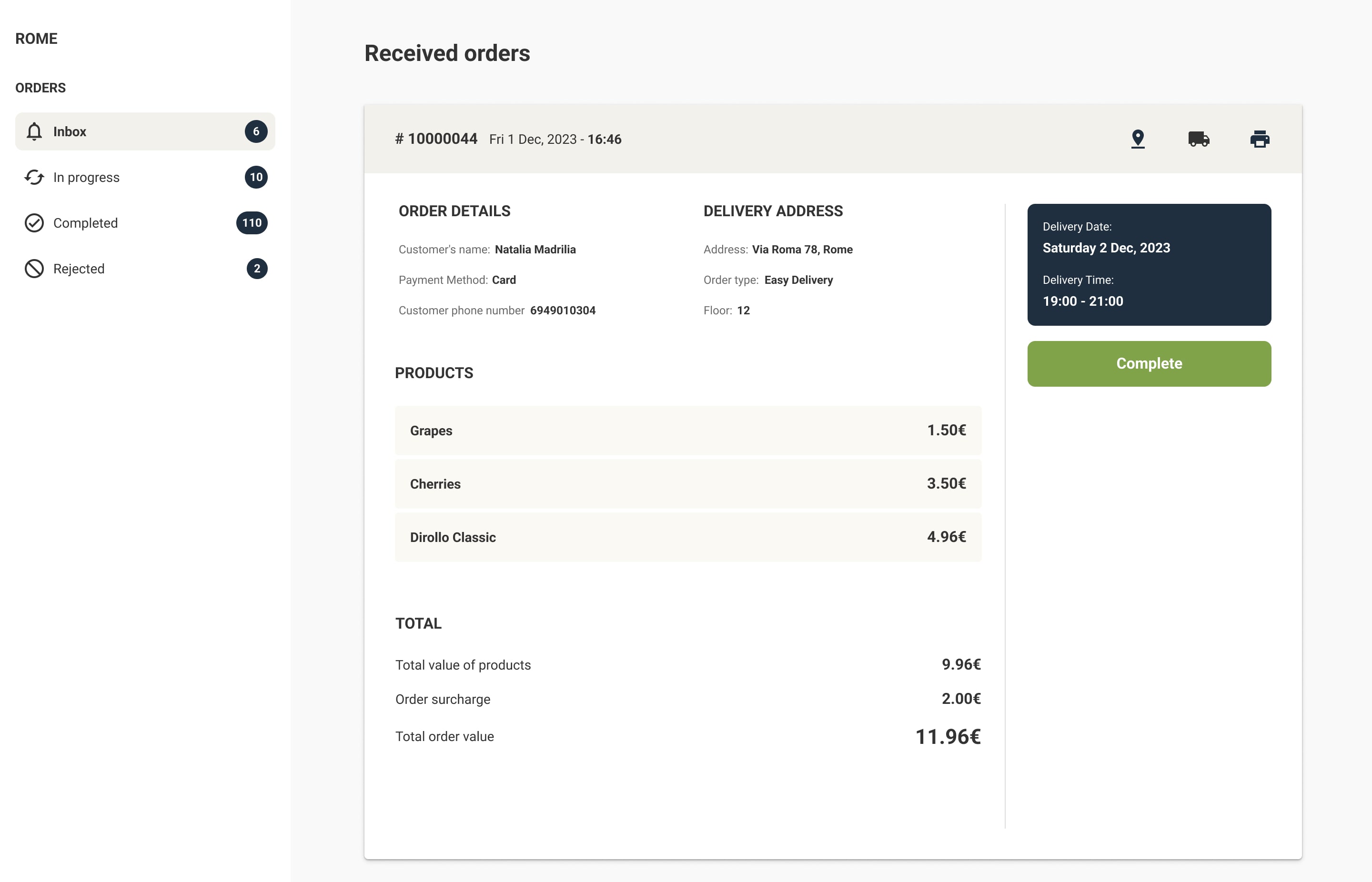
- A picker app for staff and order management for the back office
- Integrations with your POS, ERP, payment provider, and delivery partners
- A branded mobile app, or a clear path to add one later
- Grocery-specific search that handles typos, synonyms, and large catalogs
Building these features on a generic platform usually means plugins, custom development, and ongoing maintenance. A purpose-built grocery ecommerce platform includes them as standard. Wave Grocery's grocery e-shop and order fulfillment software are examples of tools designed for these workflows.
Step 5: Prepare operations and integrations
Most launch problems are operational, not technical. Prepare these areas in parallel with the platform setup:
- Payments: Choose a payment provider that supports pre-authorization. With weighted items and substitutions, the final amount often differs from the order total.
- Delivery slots and capacity: Decide on slot length, cut-off times, and the maximum number of orders per slot based on your picking and delivery capacity.
- Picking process: Define who picks, when, and where orders are staged. Plan how chilled and frozen items are kept cold until handover.
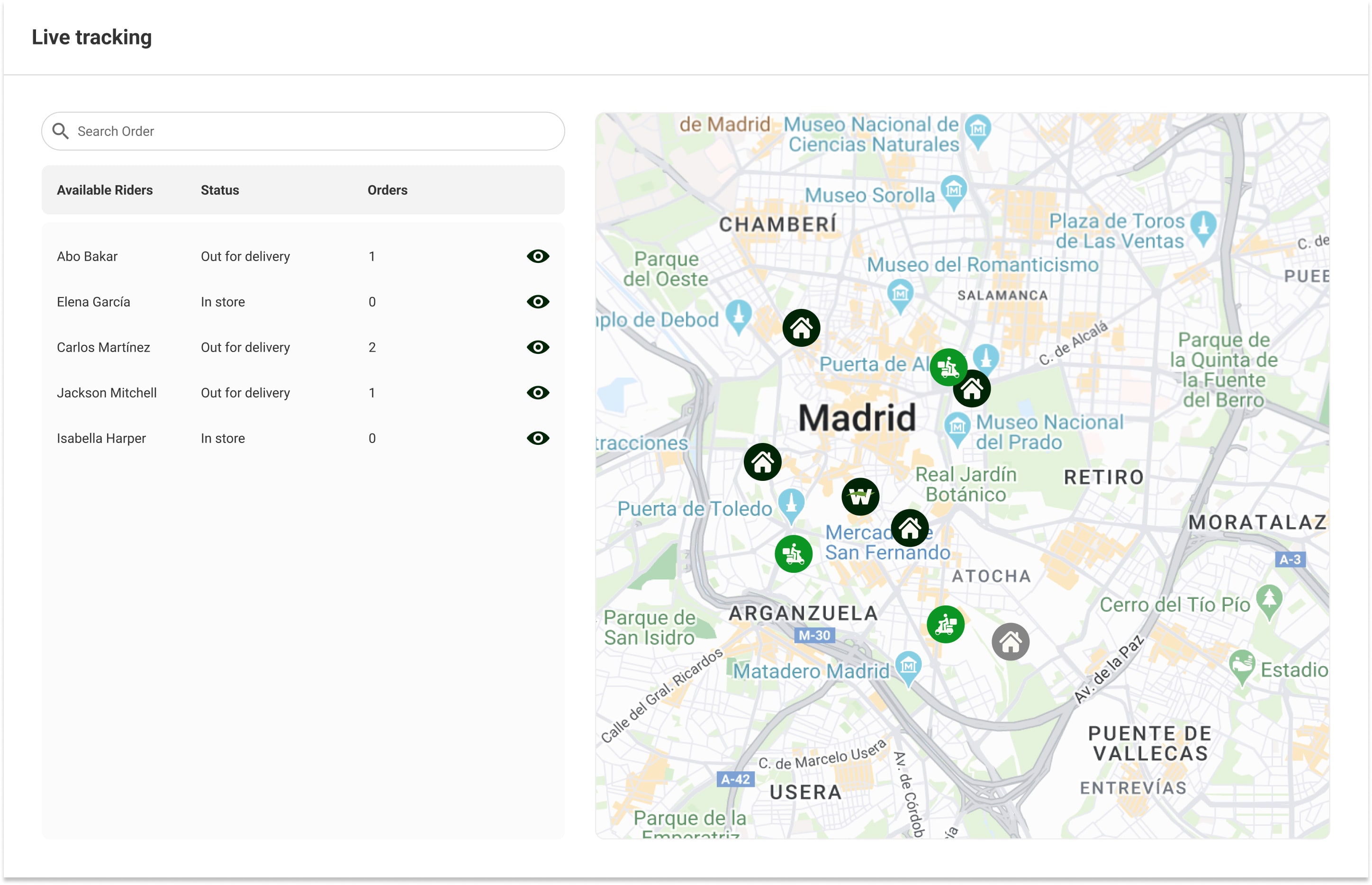
- Delivery: Choose between your own drivers, a third-party courier, or both. Set up delivery zones and shipping rules.
- Integrations: Connect your POS or ERP for products, prices, and stock. Connect accounting and, if you have one, your loyalty program. See how Wave Grocery integrates with ERP and POS systems.
- Customer support: Decide who answers calls, emails, and chat messages about orders, and what they can do: refunds, re-deliveries, or credits.
- Policies: Publish clear terms for substitutions, refunds, minimum orders, delivery fees, and age-restricted products.
Step 6: Test before launch
Run a soft launch with staff, friends, and a small group of loyal customers before you announce it publicly. Test the full journey, not only the website:
- Place orders on desktop and mobile, with different payment methods and slots.
- Include weighted items, out-of-stock items, and items that need substitution.
- Pick and pack the orders in the store with your real team and timings.
- Deliver or hand over orders and check that chilled products arrive at the right temperature.
- Process a refund, a cancellation, and a customer complaint.
- Check that orders, payments, and stock updates reach your POS, ERP, and accounting correctly.
Launch checklist
- Catalog: top-selling products live with images, prices, and categories
- Weighted products and cutting options configured and tested
- Stock sync with POS or ERP running and checked
- Payment provider live, with pre-authorization and refunds tested
- Delivery zones, fees, minimum order values, and slot capacity set
- Picking process, staging area, and cold-chain handling ready
- Substitution rules agreed and communicated to customers
- Customer support contacts and processes in place
- Terms, privacy policy, and refund policy published
- Analytics and conversion tracking installed
- Soft launch completed and issues fixed
- Launch announcement ready: in-store signage, email, social media, and receipts
Timeline and cost planning
Timelines and costs depend on your catalog size, number of stores, integrations, and the platform you choose. Use these as planning ranges, not guarantees.
Typical timeline
- Planning and decisions (2–4 weeks): offer, service area, fulfillment model, and platform choice.
- Setup and integrations (3–8 weeks): catalog, POS or ERP connection, payments, delivery settings, and branding. A ready-made grocery platform is usually at the shorter end. A custom build can take several months.
- Testing and soft launch (1–3 weeks): end-to-end tests and a small pilot group.
As an example, KH Glatt migrated two kosher grocery stores to Wave Grocery in under 20 days. Lakeview Farm Store, a single-location grocer, launched online ordering and a mobile app to reach more customers. Your timeline will depend on your own data and integrations.
Cost areas to budget for
- Platform subscription: monthly or annual fees, often tiered by number of locations and orders.
- Setup and integration: catalog preparation, product data, POS or ERP integration, and design.
- Payment processing: fees charged by your payment provider per transaction.
- Fulfillment labor: picker hours, which grow with order volume.
- Delivery: vehicles, drivers, fuel, and insulated equipment, or per-delivery fees for a third-party partner.
- Marketing: launch promotions, local advertising, and email.
- Packaging: bags, crates, and cold-chain packaging.
For a published example of platform pricing, Wave Grocery's pricing page lists plans from $299 per month for up to three locations, with payment processing billed separately by your payment provider. Always ask any vendor what is included in the fee, such as support, updates, integrations, and the mobile app.
After launch: measure and improve
Track a small set of metrics from the first week: conversion rate, average order value, fill rate (the share of ordered items delivered), substitution acceptance, picking time per order, on-time delivery, and repeat purchase rate. Review them weekly for the first three months and fix the biggest problem first. For more on running the channel day to day, read how to run an online grocery store.
If you want to see how a complete online grocery store setup works, explore the Wave Grocery platform or book a demo.
FAQs
How long does it take to start a grocery store online?
With a ready-made grocery platform and good product data, many grocers launch in 6 to 12 weeks, including planning, setup, integrations, and testing. Custom builds and complex integrations can take several months.
How much does it cost to start an online grocery store?
Costs depend on your catalog, number of stores, integrations, and fulfillment model. Budget for the platform subscription, setup and integration, payment processing, picking labor, delivery, packaging, and launch marketing. Ask each vendor what is included in the fee.
Do I need a dark store to start selling groceries online?
No. Most grocers start by picking orders in an existing store. A dark store or micro-fulfillment site makes sense later, when online order volume is high enough to cover the extra cost.
Can I sell fresh and weighted products online?
Yes, if your platform supports weighted products. It should show an estimated price at checkout, let pickers enter the actual weight, and bill the customer for the actual weight.
Should I launch with delivery or pickup?
Pickup has a lower cost per order and is simpler to start. Delivery reaches more customers but needs drivers, routes, and cold-chain equipment, or a partner. Many grocers start with pickup and local delivery from one store.

Costas D. Aniston is Customer Success Manager, helping grocery retailers streamline operations, improve fulfillment accuracy, and achieve sustainable growth.

Our editorial team works hand-in-hand with grocery experts and digital specialists to deliver actionable content designed to help your business thrive online. Each article is built on real industry insights and practical guidance for grocers, providing actual solutions to real problems.